Introduction
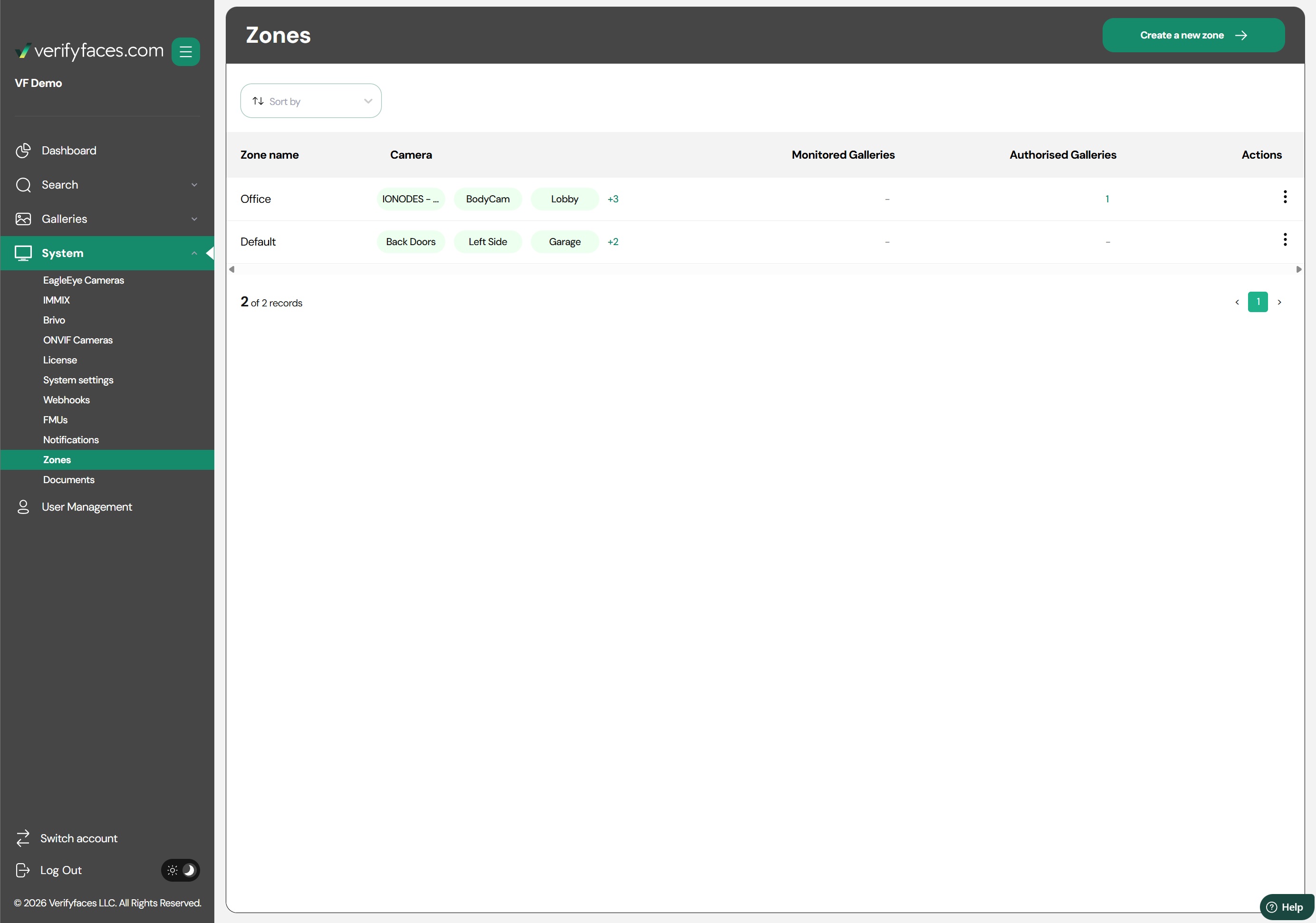
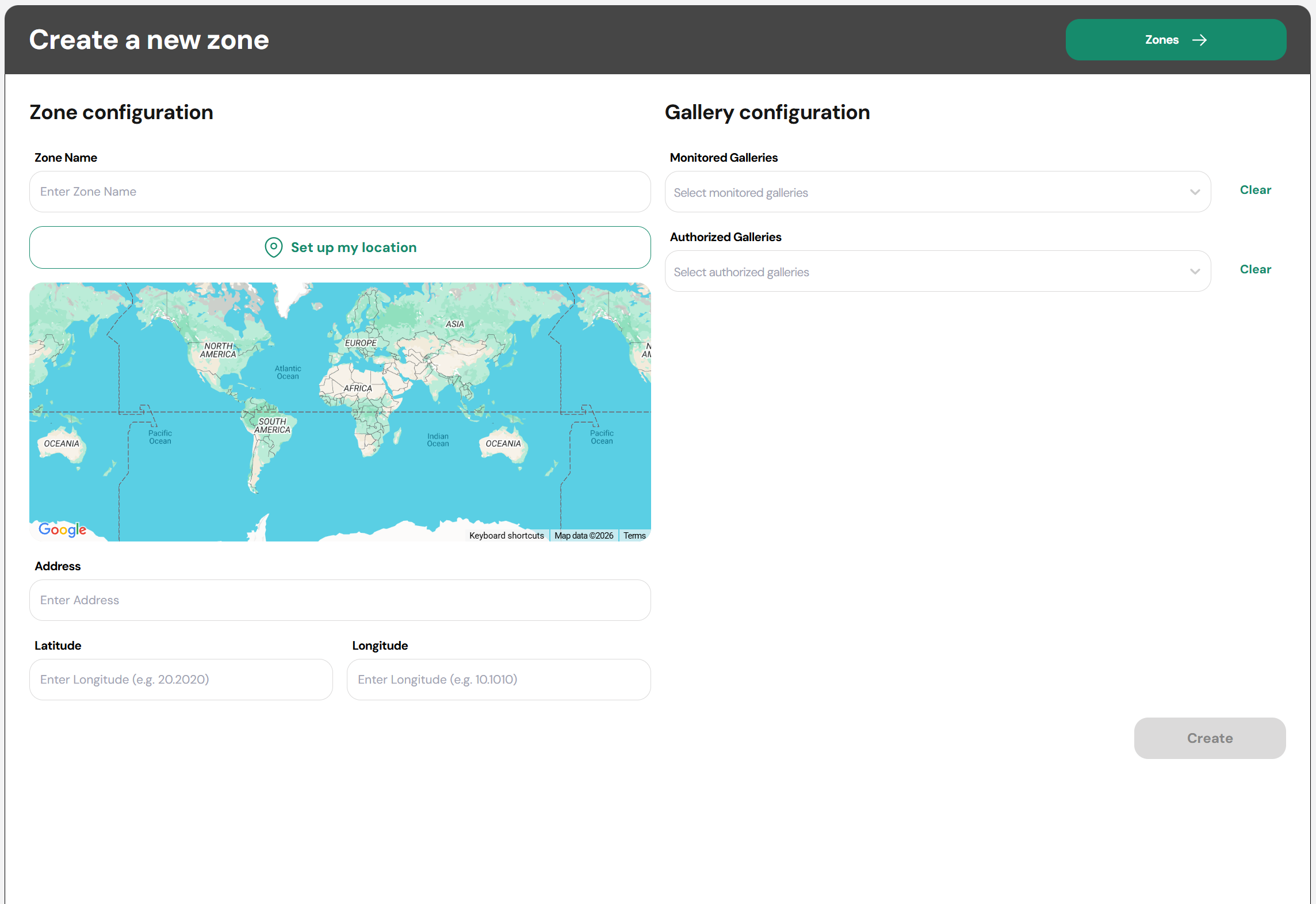
Zones in Verifyfaces allow you to create custom areas within your premises by grouping cameras and defining specific monitoring rules for each area. By designating zones, you can tailor which galleries are authorized or unauthorized in particular areas, control access, and monitor activity more efficiently.
Zones provide granular control over your system, enabling you to focus on high-priority areas, enforce security policies, and gain actionable insights from camera feeds.
Use Cases for Zones
Secure Areas
Restrict access to sensitive areas, such as server rooms, storage areas, or executive offices, by defining which galleries (e.g., staff only) are authorized in these zones. Unauthorized matches can trigger alerts.Public vs Restricted Spaces
Differentiate between public areas and restricted zones, such as lobbies versus back-of-house corridors, to ensure appropriate monitoring and reduce unnecessary notifications.VIP or High-Traffic Monitoring
Focus monitoring on high-value areas, like VIP lounges, cash registers, or main entrances, by assigning cameras to zones and tracking matches from VIP or frequent visitor galleries.Event-Specific Zones
Temporarily create zones for events, construction areas, or special situations to monitor traffic or ensure restricted access during specific periods.Operational Insights
Analyze movement and activity in different zones to better understand how spaces are used, which can help with staffing, safety, and operational planning.
Was this article helpful?
That’s Great!
Thank you for your feedback
Sorry! We couldn't be helpful
Thank you for your feedback
Feedback sent
We appreciate your effort and will try to fix the article