Introduction
Verifyfaces is designed to work with the vast majority of IP camera systems, regardless of manufacturer. Rather than requiring proprietary hardware, Verifyfaces relies on access to a live video stream from each camera. This approach allows organizations to leverage their existing camera infrastructure while adding intelligent facial matching capabilities.
Cameras can be connected to Verifyfaces using industry-standard protocols, making deployment flexible and scalable. Whether cameras are added automatically through ONVIF or manually via an RTSP stream, Verifyfaces provides multiple ways to bring video into the platform without disrupting current systems.
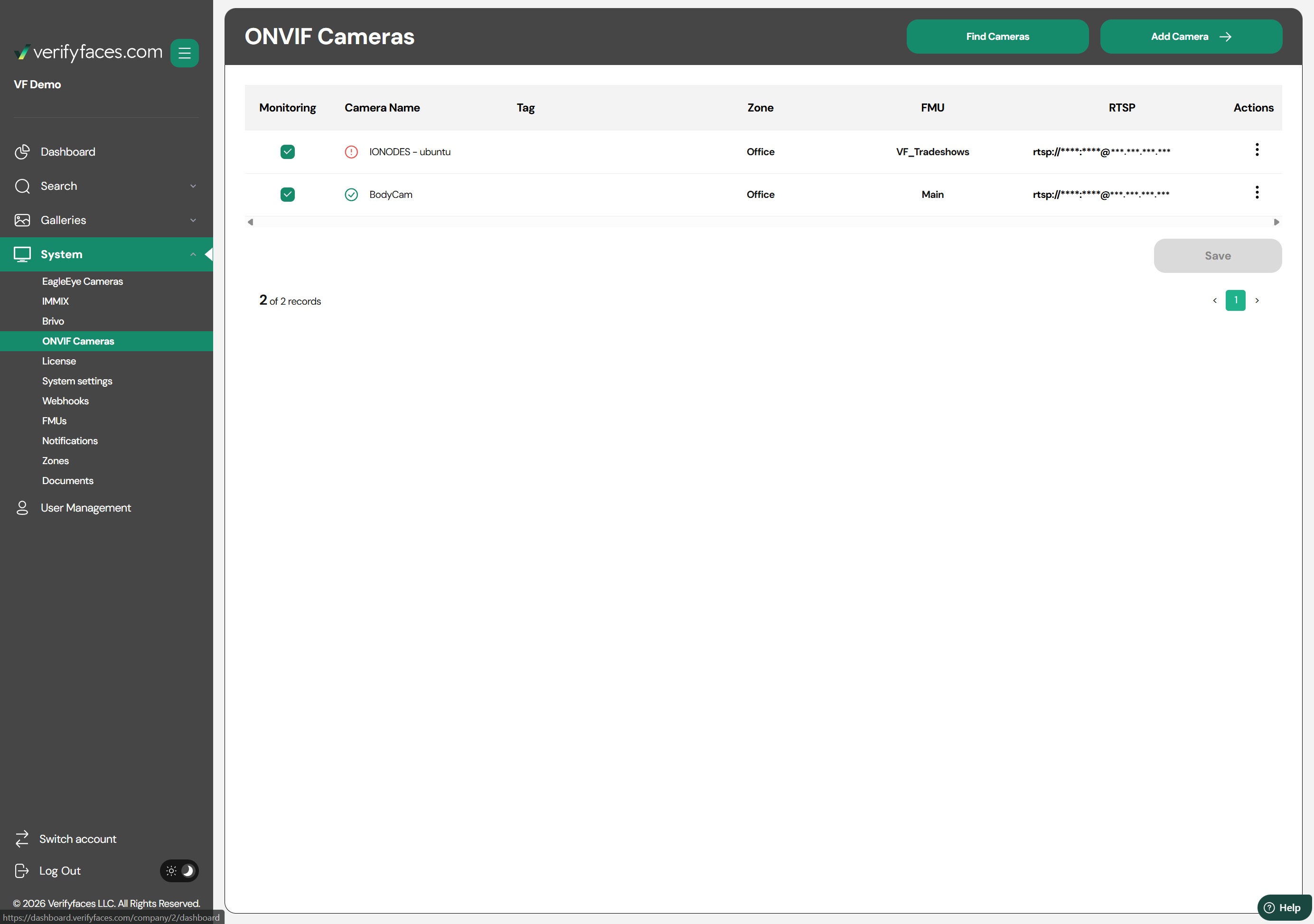
Streams and RTSP
At the core of Verifyfaces camera connectivity is the RTSP video stream. Verifyfaces uses this stream to analyze live video and perform facial matching in real time. As long as a camera can provide a stable RTSP stream, it can typically be used with Verifyfaces.
RTSP streams can be added to the system in two ways:
Via ONVIF: If a camera supports ONVIF and allows stream discovery through the ONVIF protocol, Verifyfaces can automatically retrieve the RTSP stream during camera setup.
Manual RTSP Entry: If ONVIF stream discovery is not available or restricted, the RTSP stream can be entered manually. This ensures cameras can still be added even when ONVIF functionality is limited or disabled.
This flexible approach ensures compatibility with a wide range of camera models while giving administrators control over how cameras are configured and managed.
Was this article helpful?
That’s Great!
Thank you for your feedback
Sorry! We couldn't be helpful
Thank you for your feedback
Feedback sent
We appreciate your effort and will try to fix the article