Introduction
Effective user management in Verifyfaces is essential for maintaining the integrity and security of the system. It involves managing who has access to the platform and what they can do within it. Carefully considering the specific roles and responsibilities of each user ensures that they possess only the permissions needed to fulfill their tasks, maintaining the security and proper operation of the system.
Adding Users
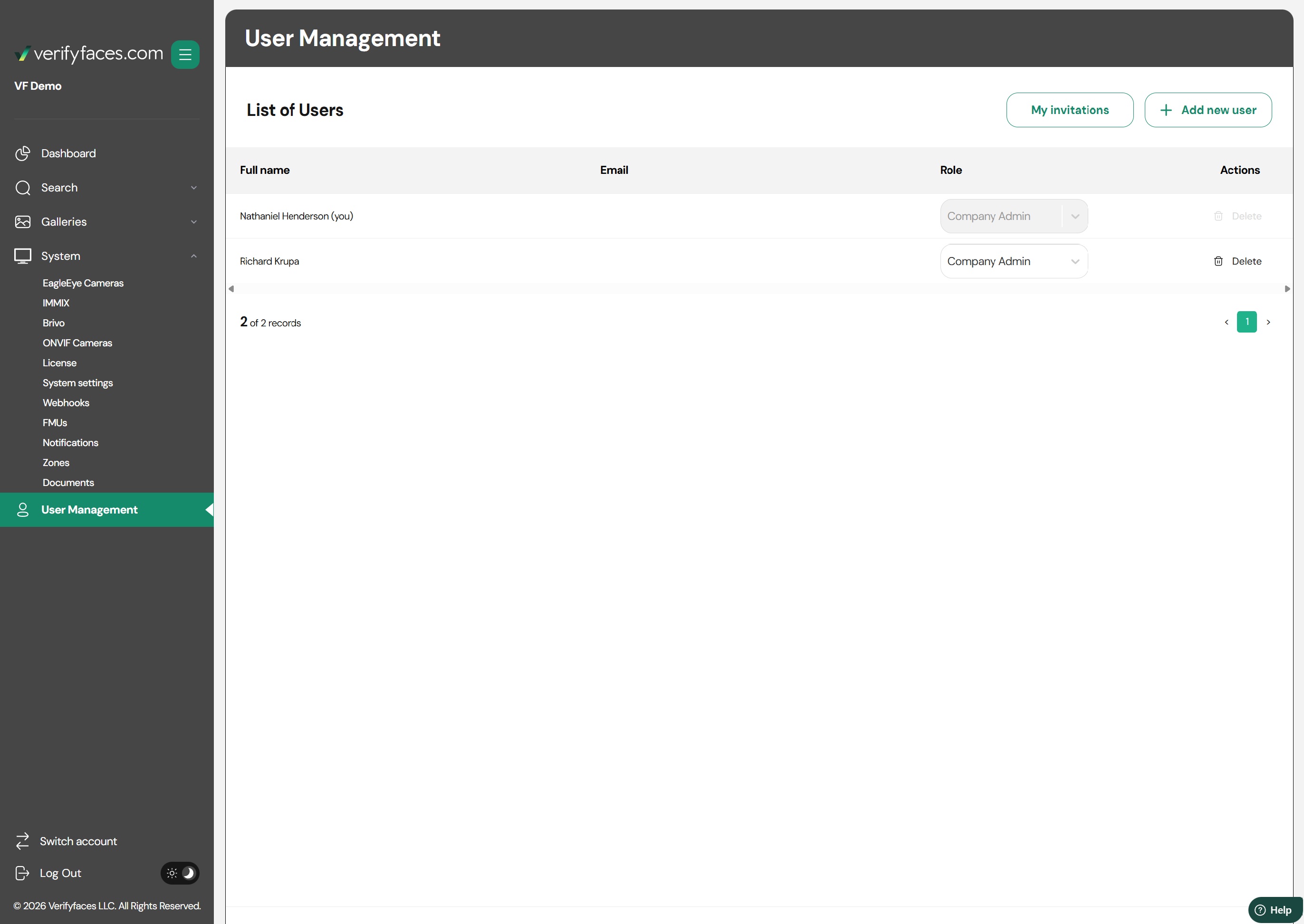
To add a new user to the system, navigate to the User Management area in the system menu. Here, you can invite new users by entering their email addresses and assigning the appropriate role.
Defining Roles
User permissions in Verifyfaces are determined by the role assigned to each account. Each role has a preset set of permissions that controls what the user can view and do within the platform. Assign roles based on the user’s job function to ensure proper access and security.
Available Roles:
Company Admin
Has full access to the platform, including the ability to view, edit, and configure all system settings, galleries, user accounts, and reports. This role is typically reserved for IT administrators or system owners.Security Officer
Has access to view events and perform searches across the platform. This role allows monitoring of real-time alerts, gallery matches, and security-related notifications, without the ability to modify system settings or galleries.Staff
Can create and maintain galleries, including uploading photos and managing gallery contents. This role is suitable for staff responsible for managing facial matching data but does not provide access to broader system configurations or event monitoring.
Best Practices for user management
Effectively managing users and controlling access is a critical aspect of operating Verifyfaces. It ensures that the right people have the right access, enhancing the security and efficiency of your operations.
- Regular Audits: Conduct regular audits of user accounts and roles to ensure they are still relevant and secure.
- Prompt Updates: Update user roles and permissions promptly when employees leave the organization or change positions.
- Training and Awareness: Ensure that all users are trained and aware of the security protocols and best practices in using Verifyfaces.
Was this article helpful?
That’s Great!
Thank you for your feedback
Sorry! We couldn't be helpful
Thank you for your feedback
Feedback sent
We appreciate your effort and will try to fix the article