Introduction
Effectively searching for specific individuals is a key function of Verifyfaces. Using the person search tool, you can locate individuals quickly and accurately by selecting them from galleries or by uploading an image.
Search results combined with notifications help you verify identities, respond to security concerns, and monitor individuals of interest in real time. By mastering the search tool and understanding how galleries work, you can enhance security measures, streamline monitoring, and improve oversight and situational awareness.
Defining Criteria
When setting up a facial matching search, it’s important to define your objectives clearly. You can search for a person by selecting them from a gallery (e.g., employees, frequent visitors, VIPs, or bad actors) or by uploading an image. Accurate selection of the gallery and proper use of search parameters ensures the system delivers the most relevant matches.
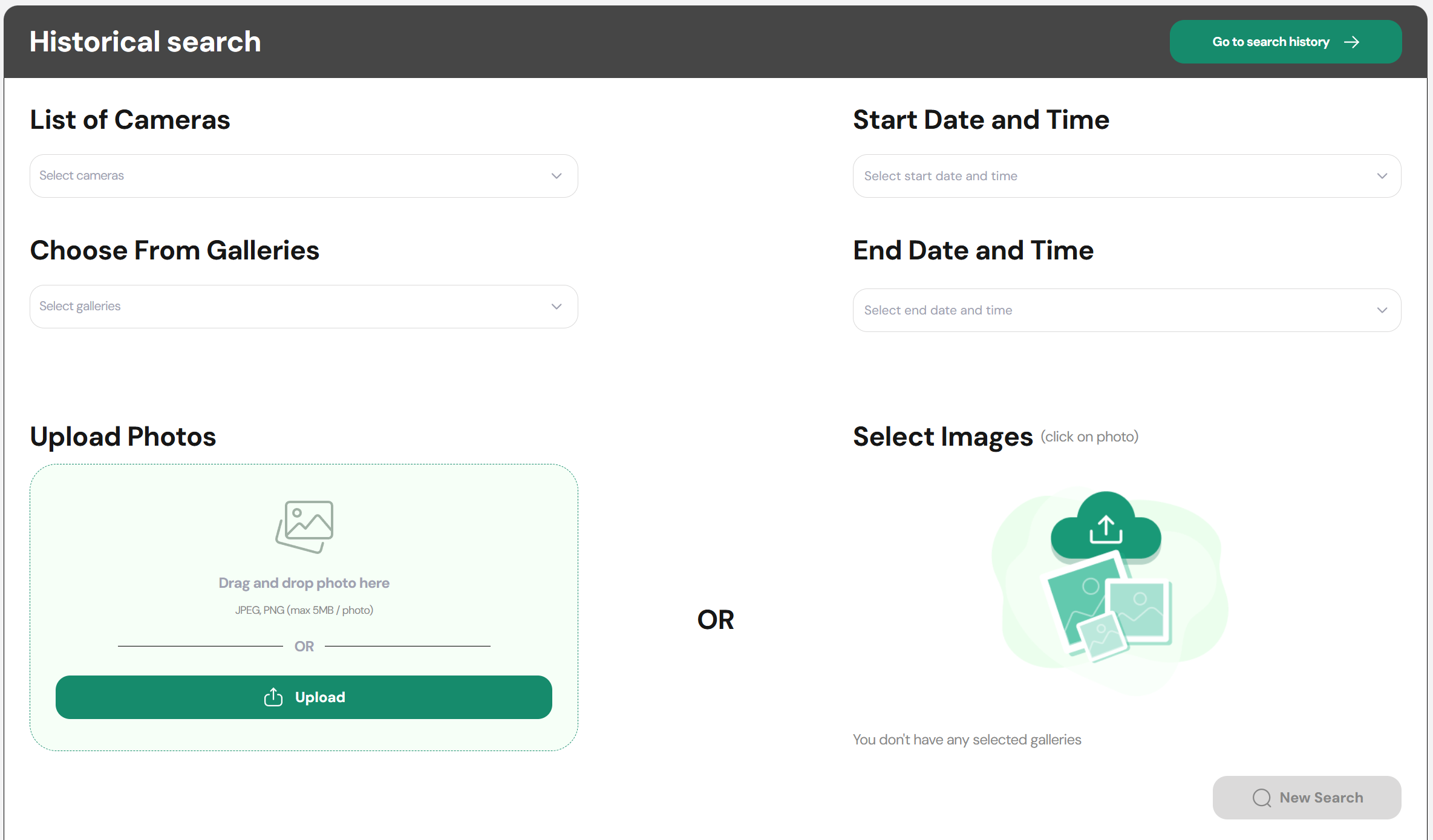
Providing precise search inputs improves the accuracy of results and helps you quickly identify the individual you are looking for. Taking time to fine-tune the search will make your verification process more efficient and reliable.
Managing Searches
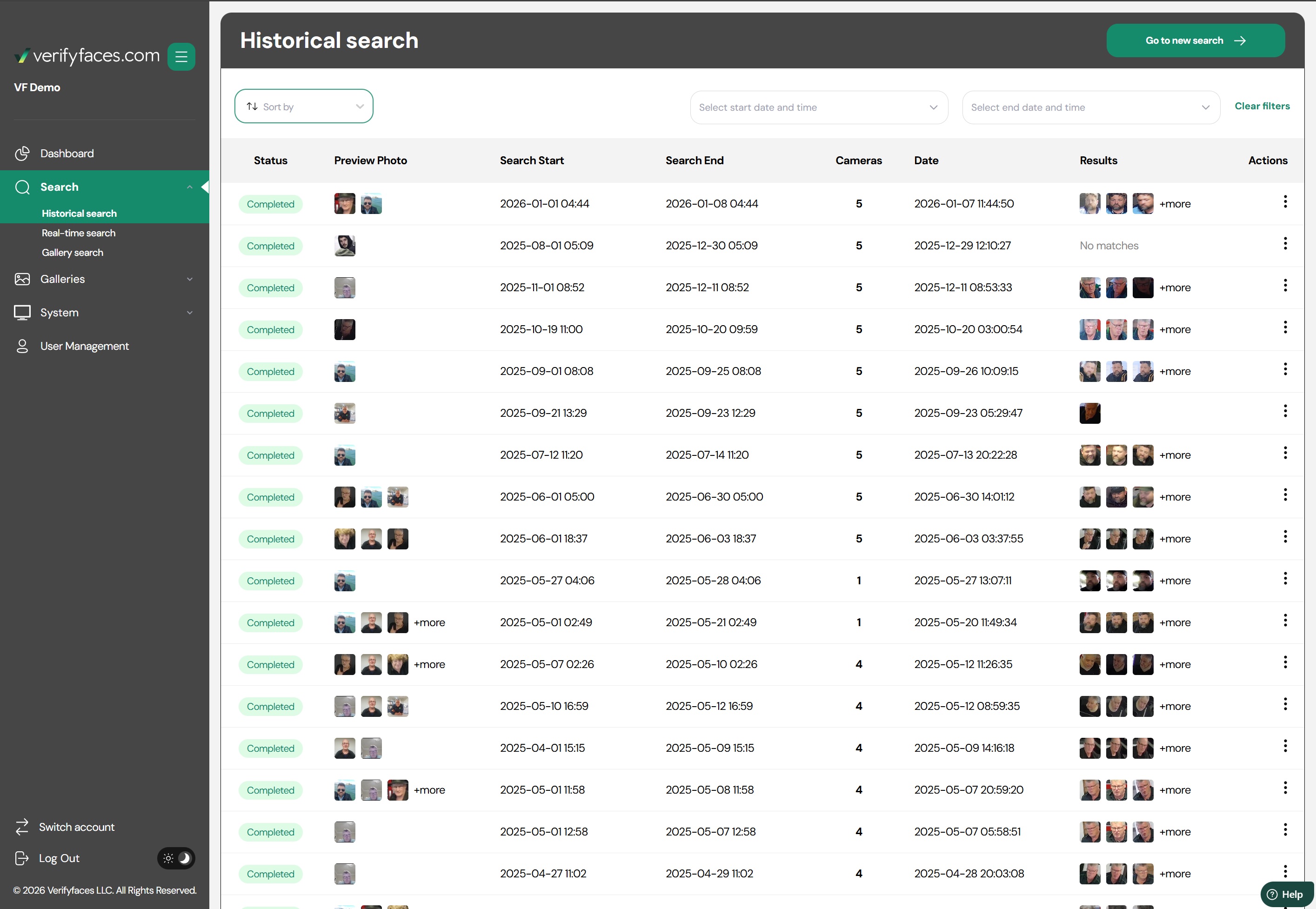
- Historical Search: Conduct new searches, review past searches, analyze results, and adjust parameters for future searches based on findings.
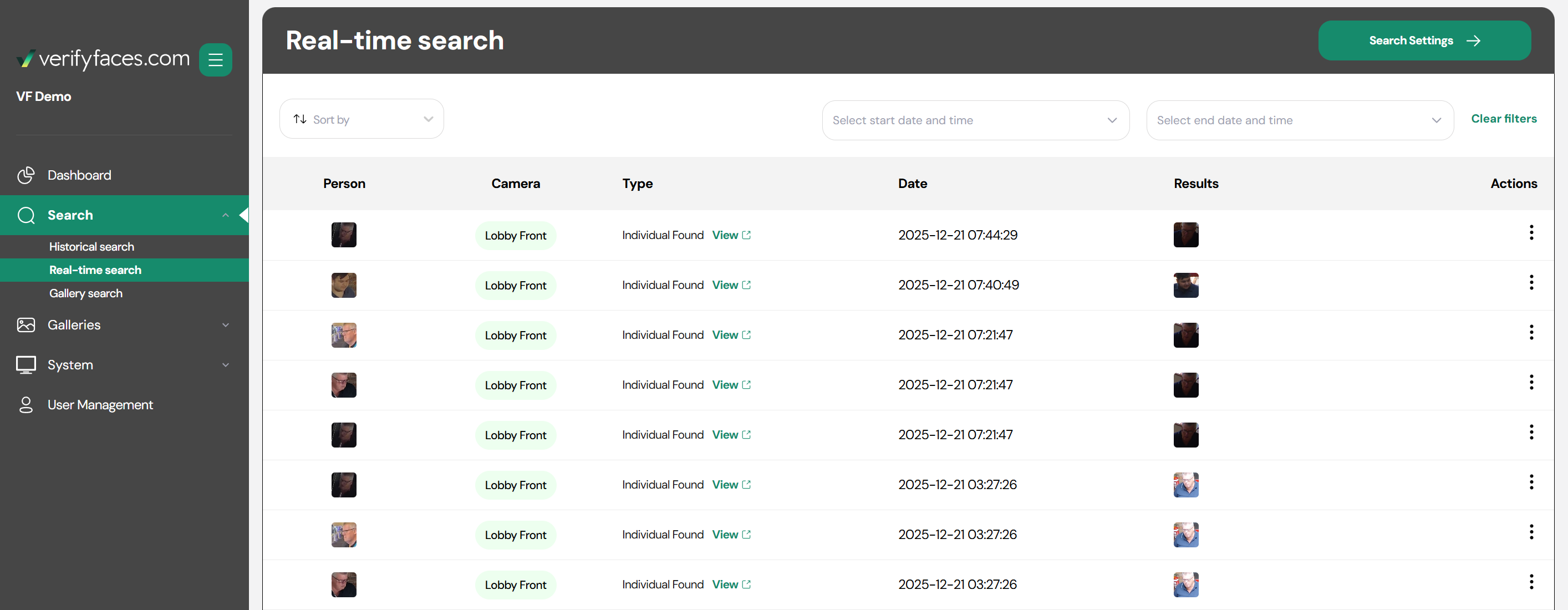
- Real-time Search: This feature acts as a live event viewer, displaying matches against your galleries as they occur. The system continuously monitors for individuals of interest, and when a match is made, it appears here in real time. You can customize which matches appear, choosing to view all matching events or only matches from specific galleries. To reduce redundant notifications, there is a 15-minute timeout after a match for any individual, meaning a new event for the same person will not appear until after this period. Real-Time Searches allow you to quickly identify and respond to individuals as they are detected.
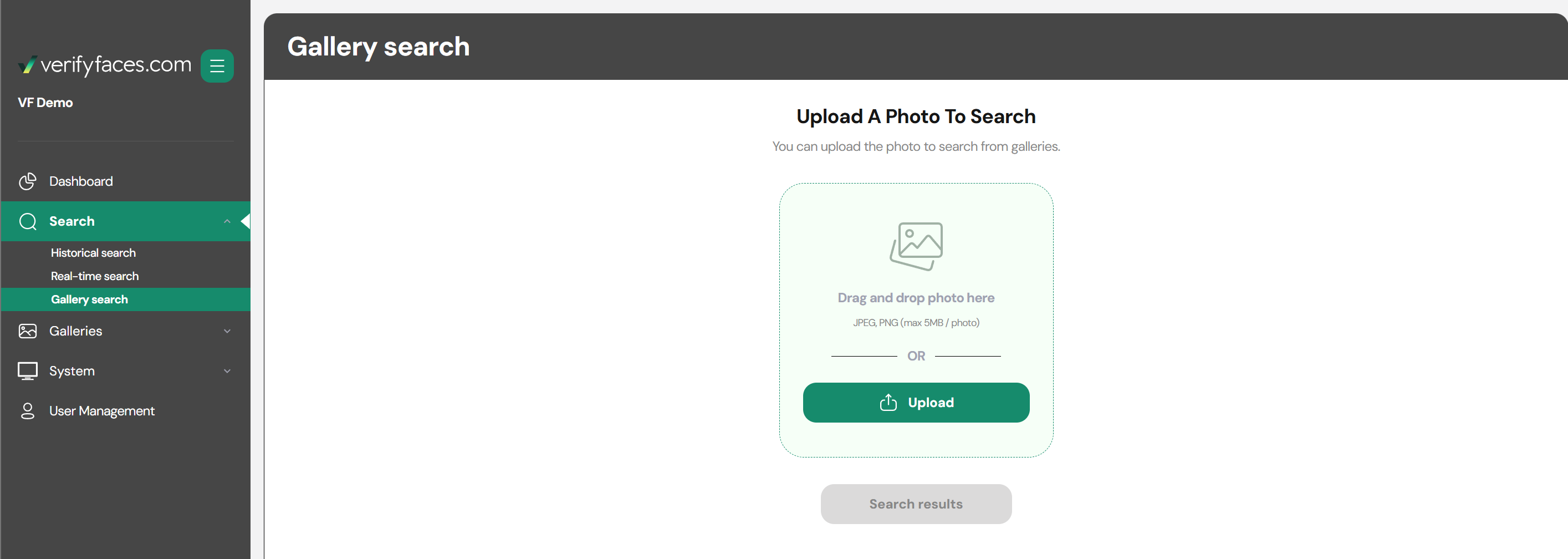
- Gallery Search: This feature allows you to upload a photo to determine which gallery or galleries a person belongs to. This tool helps you quickly identify where a person is categorized and ensures your galleries are used effectively for verification and monitoring.
Was this article helpful?
That’s Great!
Thank you for your feedback
Sorry! We couldn't be helpful
Thank you for your feedback
Feedback sent
We appreciate your effort and will try to fix the article