Introduction
The key to getting the most out of Verifyfaces is understanding the data presented on the dashboard. By familiarizing yourself with its layout and features, you can unlock the full potential of this powerful tool. The insights gained here will not only enhance security but also support data-driven strategies to improve business operations and customer engagement.
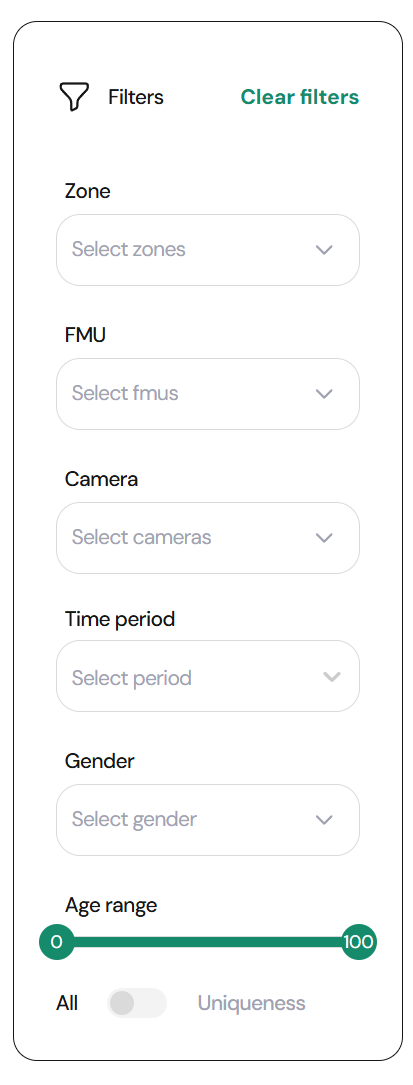
- Data Filters: Use the filtering options to refine the data based on specific criteria, such as age range, gender, or time period. Filters are especially useful for drilling down into detailed insights and focusing on the information that matters most.
- Interactive Elements: The dashboard is interactive. Hovering over graphs and charts reveals additional information, helping you gain a deeper understanding of the displayed data.
- Real-Time Updates: The dashboard updates in real time, ensuring you always have the most current information at your fingertips.
Was this article helpful?
That’s Great!
Thank you for your feedback
Sorry! We couldn't be helpful
Thank you for your feedback
Feedback sent
We appreciate your effort and will try to fix the article